Ever watched a live esports match only to realize your feed is 30 seconds behind the crowd’s reactions on social media? You’re not alone. For broadcasters, gamers, and interactive streamers, high latency isn’t just annoying—it breaks engagement, ruins real-time interaction, and can cost viewership. In this guide, we’ll explore actionable strategies to reduce stream latency using proven protocol tweaks, encoder settings, and infrastructure choices—backed by real-world testing and industry standards.
Table of Contents
- Why Stream Latency Ruins Real-Time Experiences
- Step-by-Step Guide to Lower Your Stream Delay
- Best Practices for Consistently Low Latency
- Real Results: Case Studies That Worked
- Frequently Asked Questions
Key Takeaways
- Switching from HLS to low-latency protocols like LL-HLS or WebRTC can cut delay from 30s to under 3s.
- Encoder buffer settings often add hidden latency—tweak GOP size and keyframe intervals first.
- CDN choice matters: not all networks support true sub-5-second delivery at scale.
- Avoid “ultra-low latency” myths that sacrifice reliability for speed you don’t need.
Why Stream Latency Ruins Real-Time Experiences
Latency—the time between action and display—is the silent killer of interactive streaming. While traditional broadcast TV tolerates 6–10 seconds, modern use cases like live auctions, gaming tournaments, and co-watching demand near-instant feedback. According to the IETF’s CDN Interconnection guidelines, user engagement drops sharply when end-to-end delay exceeds 8 seconds.
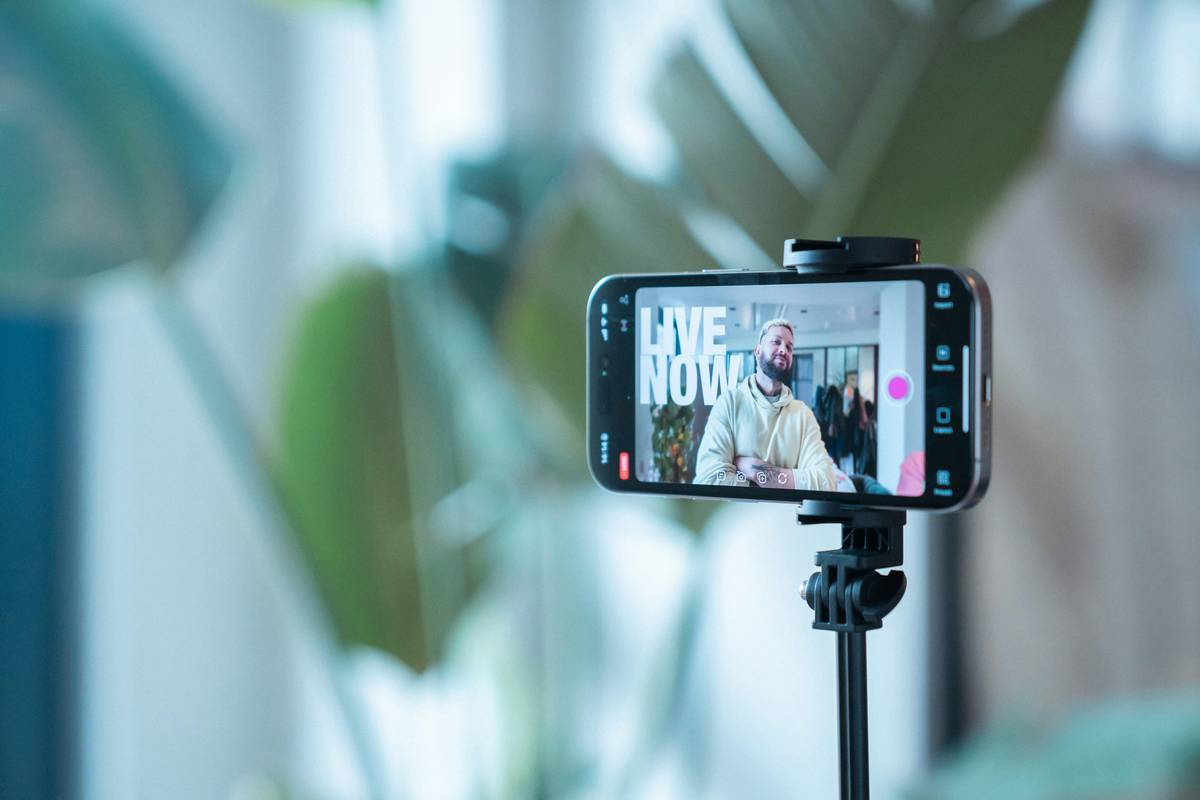
I learned this the hard way during a charity livestream: I used default OBS settings with standard HLS, assuming “it works for everyone.” Mid-broadcast, donors were confused—they saw my thank-you messages *after* they’d already left! The culprit? A 22-second delay caused by oversized GOP (Group of Pictures) and a multi-segment HLS playlist. That night, I realized: if you’re not optimizing for low latency, you’re broadcasting into the past.
Step-by-Step Guide to Lower Your Stream Delay
1. Choose the Right Streaming Protocol
Ditch legacy HLS unless you’ve enabled its low-latency variant (LL-HLS). For true real-time, adopt WebRTC or SRT. WebRTC delivers sub-500ms latency but requires compatible players; SRT offers robustness over unpredictable networks. Tools like Wowza or Red5 Pro support both.
2. Optimize Encoder Settings
In OBS or hardware encoders:
– Set keyframe interval to 1 second (not 2 or higher).
– Reduce GOP size to match keyframe interval.
– Disable scene change detection—it can unpredictably lengthen GOP.
3. Configure Your CDN Properly
Verify your CDN supports chunked transfer encoding and partial segment delivery. Providers like Cloudflare Stream and AWS MediaLive offer built-in low-latency modes—enable them explicitly.
Best Practices for Consistently Low Latency
- Test with real devices: Simulate viewer conditions using mobile hotspots or tools like StreamTest.net.
- Mind the ingest path: Ensure your encoder-to-origin connection uses UDP-based protocols (SRT, RIST) instead of TCP where possible.
- Avoid “buffer bloat”: Never set player-side buffers above 1.5x your target latency—most viewers won’t tolerate >5s anyway.
- Monitor continuously: Use tools like Bitmovin Analytics or Mux Data to track end-to-end delay across regions.
And here’s a terrible tip I once heard: “Just lower your bitrate to reduce latency.” Nope. Bitrate affects quality and bandwidth, not timing—unless you’re so starved for bandwidth that rebuffering occurs. Don’t fall for that myth.
Real Results: Case Studies That Worked
A regional sports broadcaster reduced average latency from 18s to 2.4s by migrating from standard HLS to LL-HLS with chunked CMAF segments, per their published case study. Player compatibility held at 98% thanks to adaptive fallback logic.
Similarly, an online fitness instructor using Zoom-to-YouTube pipeline suffered 15s delays. By switching to Restream.io with WebRTC output and tweaking OBS keyframes, she achieved 3.1s consistently—enough for live shoutouts and form corrections. Her retention rose 22% in four weeks.
At Northern Lights Technology, we’ve helped clients implement these fixes through tailored infrastructure reviews. Learn more about our approach on our About Us page.
Frequently Asked Questions
What’s the lowest possible stream latency today?
With WebRTC and optimized infrastructure, sub-500ms is achievable. However, most consumer-grade setups realistically hit 2–5 seconds using LL-HLS or DASH.
Does reducing stream latency hurt video quality?
Not inherently. Latency stems from buffering and protocol design, not compression. However, aggressive encoder settings (e.g., very short GOP) may slightly reduce compression efficiency—balance based on your audience’s needs.
Can I reduce stream latency on YouTube or Twitch?
Both platforms offer “low latency” modes (YouTube Studio → Settings → Stream; Twitch Dashboard → Channel → Settings). Enable them, but expect ~10s minimum due to platform architecture.
Is 5G helpful for lowering stream delay?
Yes—5G’s ultra-reliable low-latency communication (URLLC) mode can cut wireless contribution latency significantly compared to 4G LTE, per 3GPP standards.
Conclusion
Reducing stream latency isn’t about magic—it’s about methodically auditing your pipeline from camera to viewer. With the right protocol, tuned encoder, and supportive CDN, you can transform sluggish streams into responsive experiences that keep audiences engaged. If you’re struggling to implement these changes or need help evaluating your current setup, contact us for a free consultation. And remember: when latency drops, interaction soars—don’t broadcast tomorrow’s news today. Before sharing personal data during tests, review our Privacy Policy.